
Summary of changes:
- Mobile friendly design
- Locked out reports minimised for most types of errors where this occurs
- Self management for multiple/duplicate reports
- Your last search fields will be retained so you don’t need to add it every time
- RN or RM delegation
- Extra tools for the NMCAR support staff so we can assist you faster
Mobile friendly design
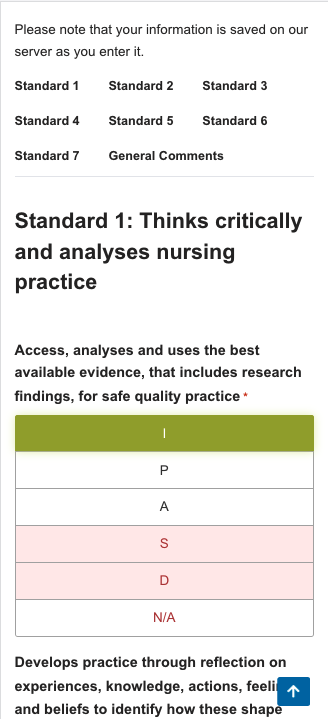
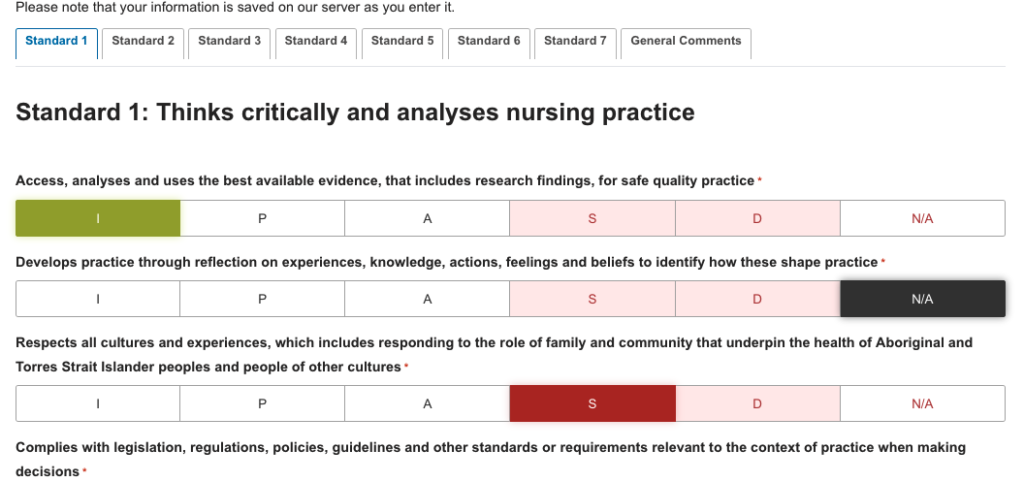
The new look reports are more mobile friendly helping to prevent selecting the wrong grade when working through reports. Touch friendly buttons allow easy selection.
Locked out reports minimised
To prevent the common issue of a locked report we have put in place auto unlock for common issues where reports have been locked, such as dropped internet or timed out screen.
Duplicate report self management
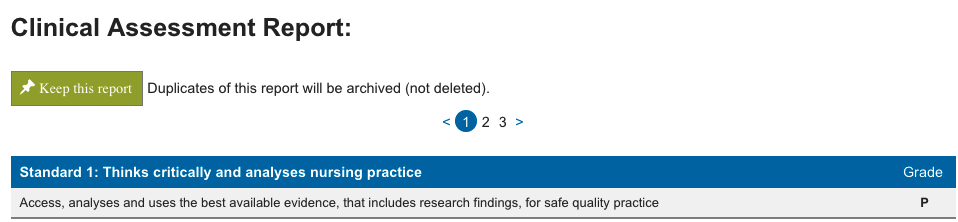
The system now shows you if a duplicate report has been created. You can now see all the copies and choose the one you wish to continue with. All actions here are reversible so if you make a mistake we can reinstate the correct report.
You will see duplicates on the reports page, select one of the numbers next to the report button, then on the following screen skip through each report and choose the one you’d like to keep by click the green button.

Search fields saved
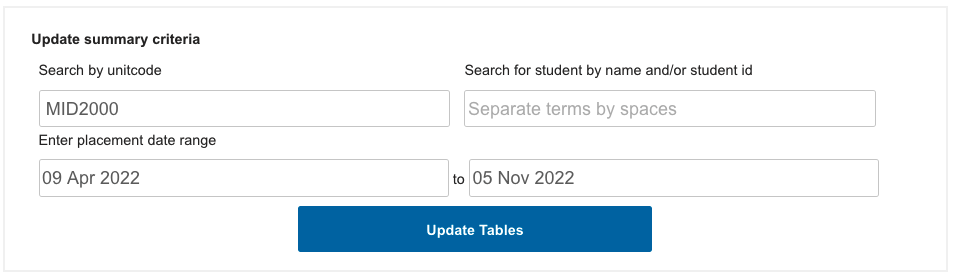
You search selection is saved from screen to screen. This is linked to your account so will be there every time you login. It will update each time you make a change.
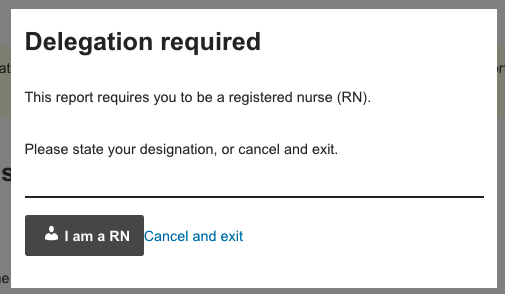
Delegation prompt
You will be prompted only once if your account does not have a declaration assigned. You must be an RN or RM to complete certain reports. You must declare this. New registration declare this when registering. Older accounts will need to declare this at least once before continuing.
Extra tools for the NMCAR support staff
The placements team at Monash now have access to a few new tools that allow them to help and respond faster to your enquires. We are available during normal working hours.